
Nil Hours Pending
See your CHRIST University attendance before ESE eligibility gets tight. Mark classes, file claims, and keep CIA marks as percentages on one private iPhone.
Free on iPhone. Unofficial. Not affiliated with CHRIST University.
Made for Christite attendance rules
Aggregate ESE eligibility sits near 85%. Subject floors often sit at 75%. CIA attendance marks start at 76%. After a few skips, a spreadsheet gets stale fast.
NPH calculates standing from the classes you mark. Percentages only. Open it between hours and see where you are.
How it works
-
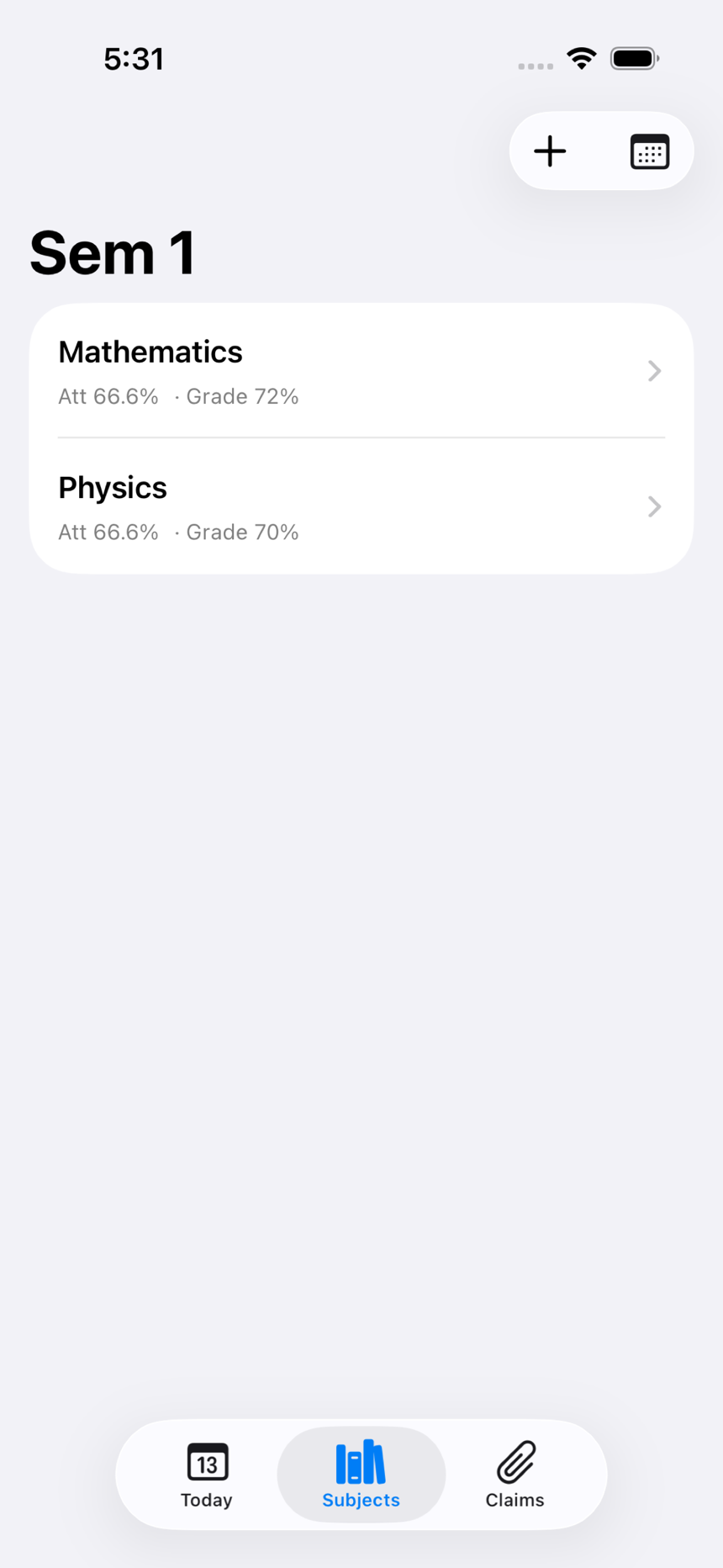
Set up the semester Add subjects, credits, and your Mon-Sat timetable. NPH generates the class rows.
-
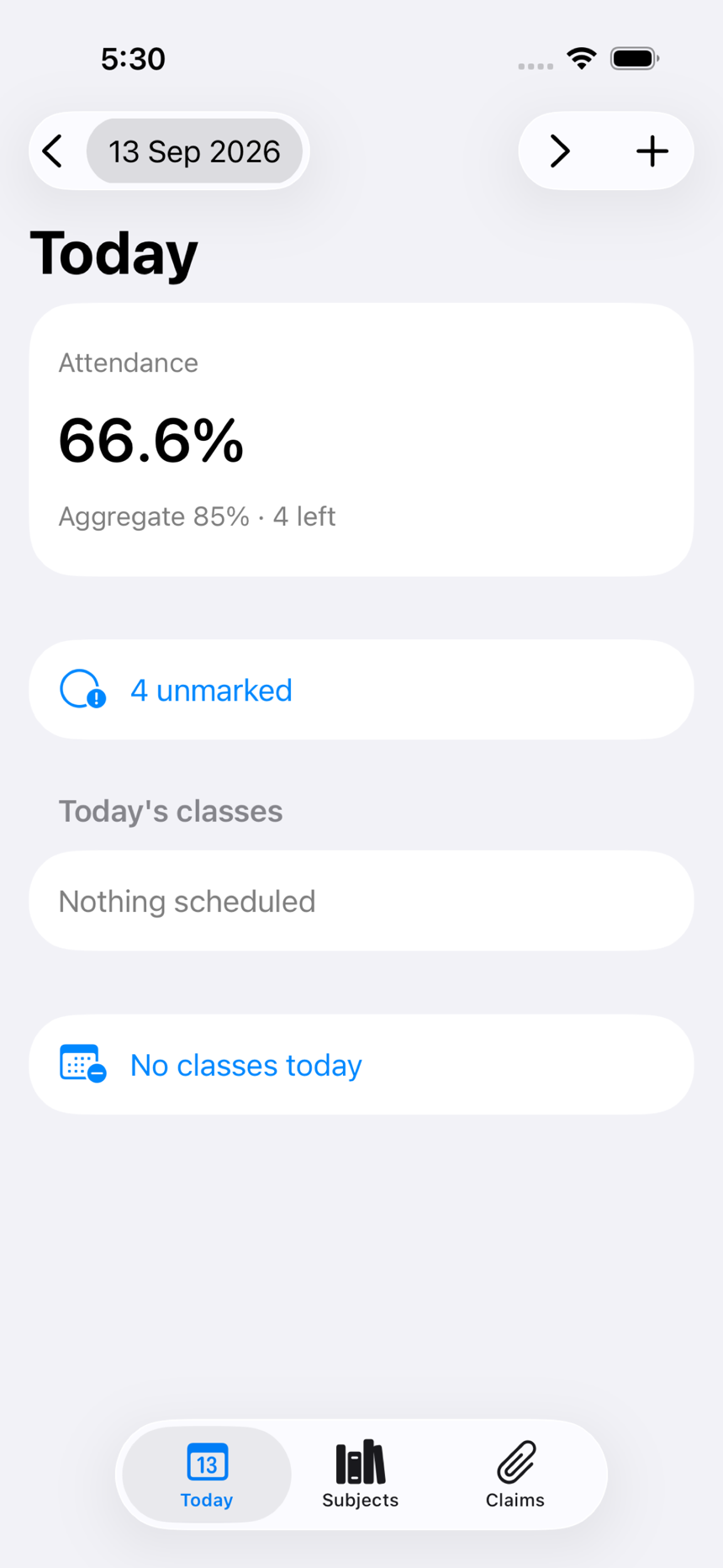
Mark attendance on Today Check the aggregate percentage, mark present or absent, and fill earlier dates when you need to.
-
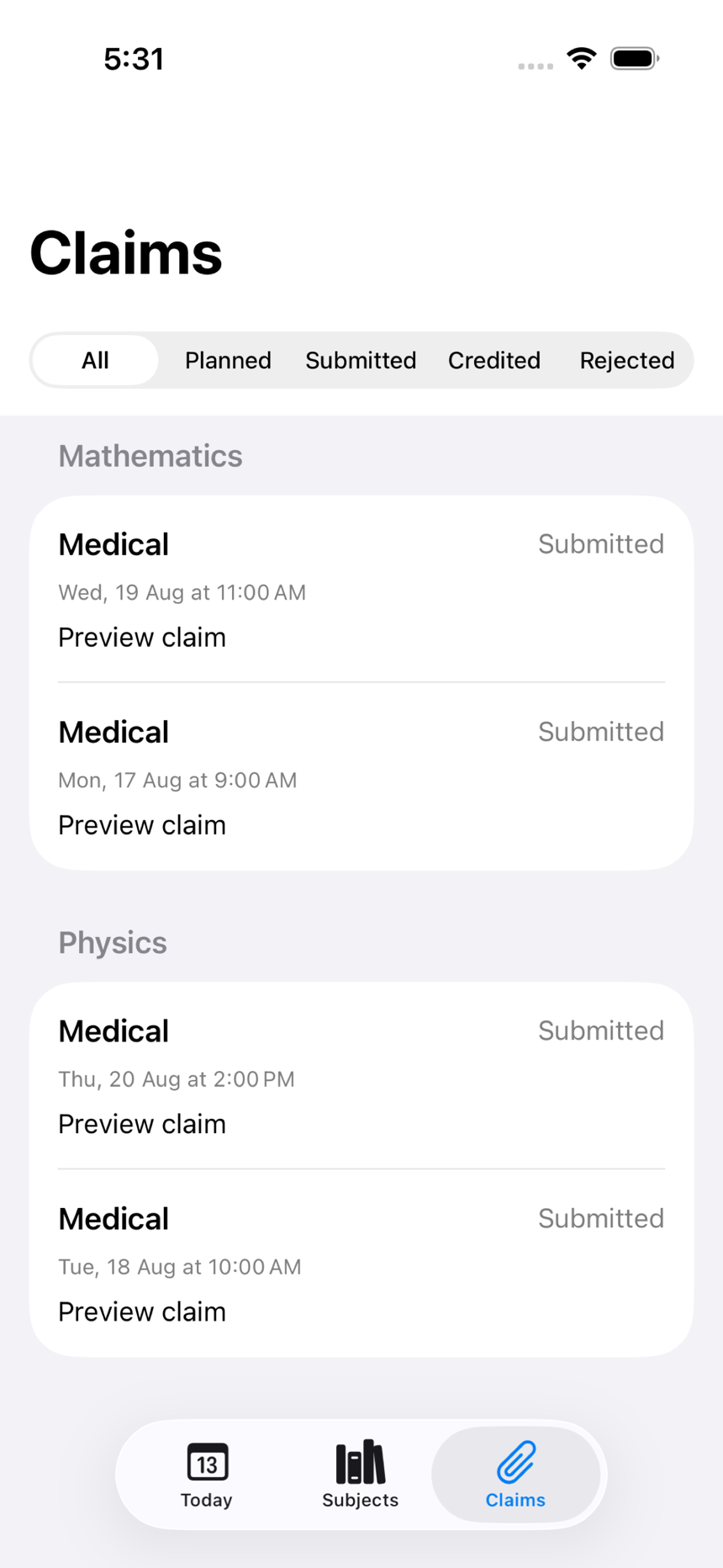
Track assessments and claims Enter CIA and ESE marks as percentages, file claims, and black out holidays or exam weeks.
Private, handbook-aligned defaults
- Christite bands. CIA attendance marks use the 76% to 100% scale.
- Your iCloud only. Optional private sync. No accounts, sharing, or export.
- Editable history. Change a mark, delete a cancelled class, or cancel a blackout.
Check standing between classes
NPH is the screen for aggregate attendance, claims, and subject percentages when you need them mid-semester.